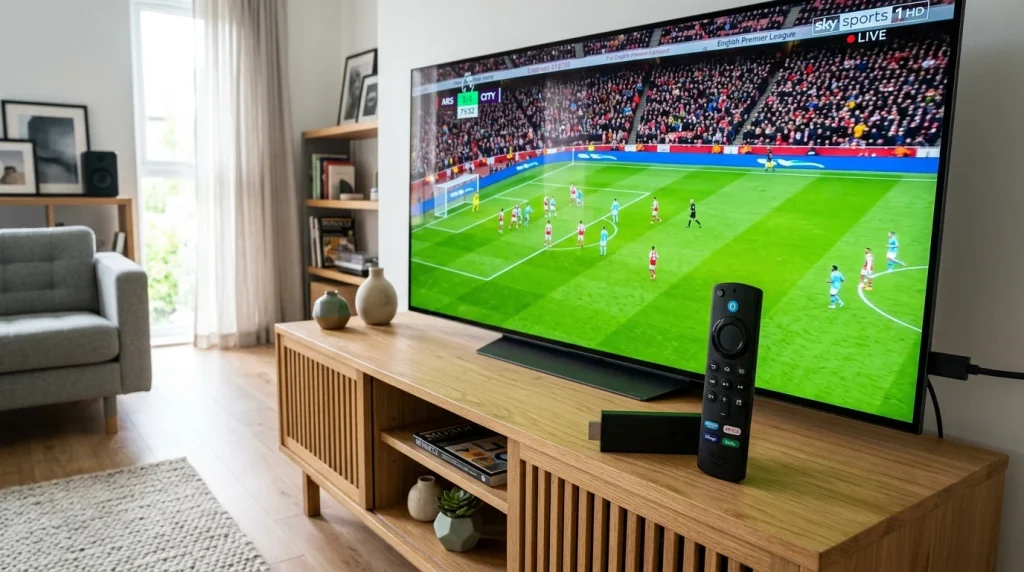
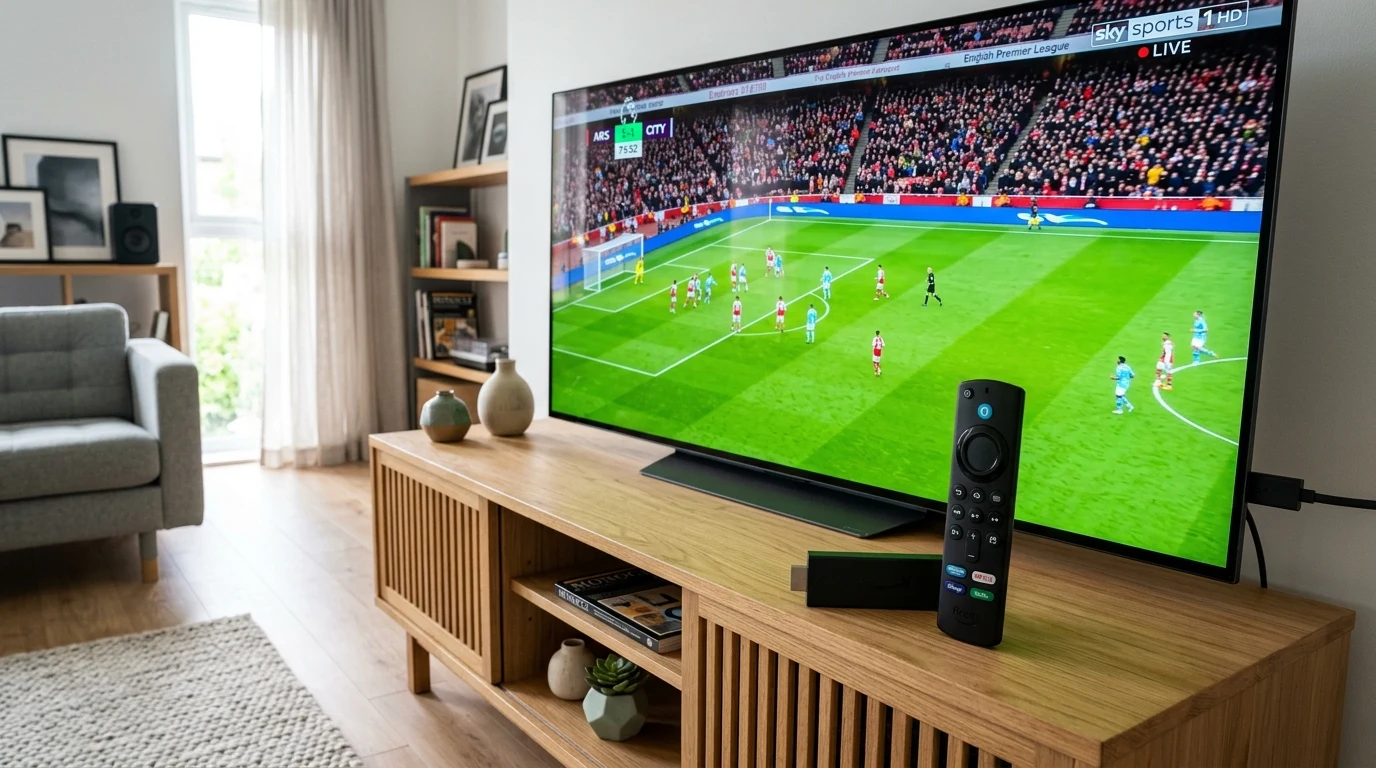
The Amazon Fire TV Stick remains the most cost-effective and powerful device for streaming IPTV Nordic content in Full HD and 4K. Here is everything you need to know to get maximum stream stability and zero buffering on your Firestick.
Recommended Fire TV Stick Models
For the best streaming experience, we recommend:
- Fire TV Stick 4K Max: Equipped with Wi-Fi 6 support and a faster quad-core processor for instant channel switching.
- Fire TV Stick 4K (2nd Gen): Excellent choice for 4K live sports and movies on UHD displays.
Optimal Firestick Settings for Buffer-Free Streaming
- Clear App Cache: Regularly clear cached data in Settings > Applications > Manage Installed Applications > IPTV Smarters Pro > Clear Cache.
- Connect to 5GHz Wi-Fi: Always connect your Fire TV Stick to a 5 GHz wireless network rather than 2.4 GHz to minimize interference from household appliances.
- Turn Off Data Monitoring: Navigate to Settings > Preferences > Data Monitoring and set it to OFF to prevent background data throttling.