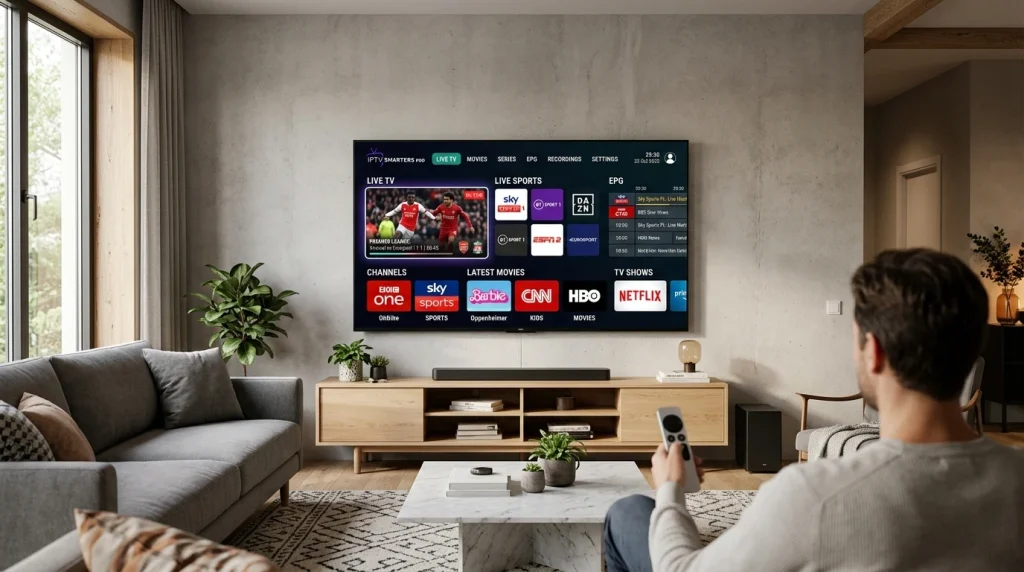
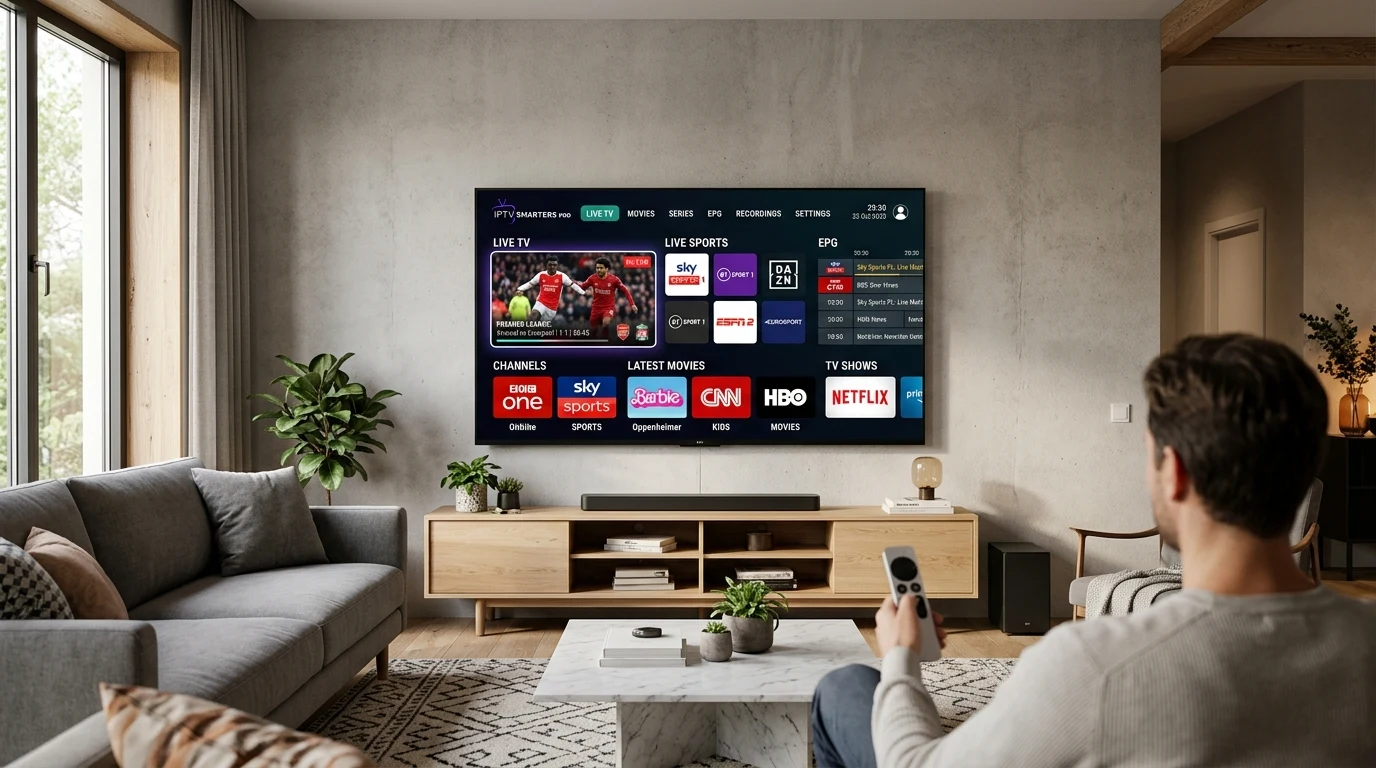
IPTV Smarters Pro is one of the most reliable and user-friendly applications for streaming IPTV Nordic channels on Smart TVs, Amazon Firesticks, Android devices, and Apple TV. In this complete tutorial, we guide you step-by-step through installing and configuring the app in under five minutes.
Why Use IPTV Smarters Pro for IPTV Nordic?
IPTV Smarters Pro offers several advantages for Scandinavian viewers:
- Xtream Codes API Integration: Easily log in with server URL, username, and password rather than typing lengthy M3U links.
- Full EPG Support: View current and upcoming TV schedules for SVT, TV4, NRK, TV2, DR1, and YLE.
- Catch-Up & Multi-Screen: Rewind live broadcasts and watch multiple sporting matches simultaneously.
- Subtitles & Audio Switching: Switch seamlessly between Swedish, Norwegian, Danish, and English commentary tracks.
Step-by-Step Installation on Amazon Fire TV Stick
- Install the Downloader App: From the Firestick home screen, navigate to Find > Search, type “Downloader”, and install the orange Downloader app.
- Enable Developer Options: Go to Settings > My Fire TV > Developer Options > Install Unknown Apps, and toggle Downloader to ON.
- Enter the Download Code: Open Downloader and type code
250931or URLhttps://iptvsmarters.com/smarters.apk, then click Go. - Install and Open: Click “Install” once the download finishes, then click “Open”.
Configuring Your IPTV Nordic Login
Once you open IPTV Smarters Pro:
- Select “Login with Xtream Codes API”.
- Enter any profile name (e.g.
IPTV Nordic). - Enter the Username and Password provided in your trial or welcome email.
- Enter the Server URL (e.g.
http://nordic-stream.tv:8080). - Click “Add User” and allow the channels and VOD library to load.
You are now ready to stream high-definition Nordic television and live sports!